FF233 DIGITAL INK AND PAINT - SHADOW AND LIGHT EXERCISE
On our last class of Digital Ink and Paint we learn how to add shadow and light to drawings to make the drawings have more dramatic and more lively effect.
First exercise on class:
Second Exercise :
I'm still learning so it's not look the best, sorry bout that
First exercise on class:
 |
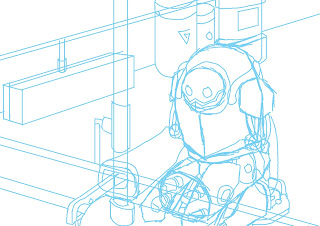
| Original picture |
 |
| 1. Open the original photo in Photoshop |
 |
| 2. Add some shadows using brush tool |
 |
| 3. Add some lights |
 |
| 4. Add grass texture to the room's floor |
 |
| Finished picture |
 |
| Original picture |
 |
| Open in Photoshop |
 |
| Add shadows using brush tool |
 |
| Here's a twist, I added the lights using dodge tool |
 |
| Finally add brick wall texture to the room's wall |
 |
| Final product |
I'm still learning so it's not look the best, sorry bout that

Comments
Post a Comment